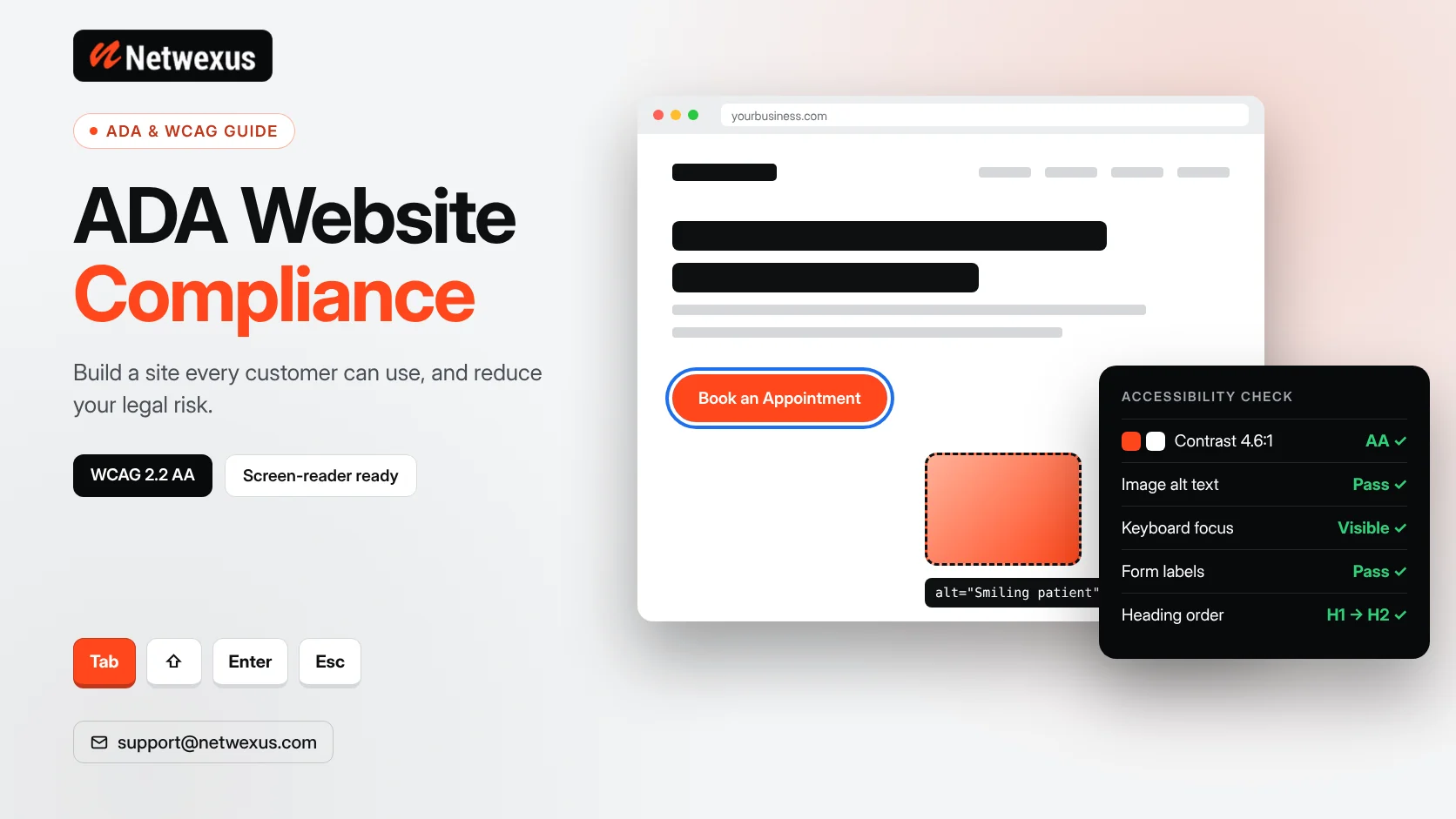
Website accessibility used to be treated as a nice extra. In the United States today, it is a legal risk, a design standard and a ranking-friendly practice all at once. Federal courts saw more than 3,000 website accessibility lawsuits in 2025, according to a review of filings by the law firm Seyfarth Shaw, and many of them targeted small and mid-sized businesses.
This guide explains what ADA website compliance means, which standard to follow, how to find and fix the most common problems, and how an accessible site also improves usability and SEO.
Note: This article is general information, not legal advice. For questions about your specific legal obligations, speak with a qualified attorney.
What Is ADA Website Compliance?
The Americans with Disabilities Act (ADA) prohibits discrimination against people with disabilities. It was written in 1990, before most businesses had websites, so it does not list technical website rules. Over time, the Department of Justice (DOJ) and the courts have made it clear that websites and apps are part of how businesses and governments serve the public, and that they need to be usable by people with disabilities.
In practice, “ADA compliant website” means a site that people can use with assistive technology such as screen readers, keyboard-only navigation, voice control and screen magnifiers.
Who Needs an Accessible Website?
Private Businesses (Title III)
Title III covers “places of public accommodation,” which includes most businesses that serve the public, such as retailers, restaurants, healthcare providers, law firms and hotels. There is no separate federal web regulation for private businesses, but the DOJ’s 2022 guidance on web accessibility confirms that businesses open to the public should make their websites accessible, and that is the basis for most private lawsuits.
State and Local Governments (Title II)
In 2024 the DOJ published a rule for state and local governments that adopts WCAG 2.1 Level AA as the technical standard. In April 2026, the DOJ issued an interim final rule that pushed the compliance dates back by one year: April 26, 2027 for larger public entities and April 26, 2028 for smaller ones.
Which Standard Should You Follow? WCAG 2.1 and 2.2 Level AA
The Web Content Accessibility Guidelines (WCAG), published by the W3C, are the benchmark that courts, regulators and accessibility auditors use. WCAG is built on four principles, often remembered as POUR:
- Perceivable: People can see or hear the content, for example through alt text and captions.
- Operable: People can use the site with a keyboard and enough time to act.
- Understandable: Content and forms are clear and predictable.
- Robust: The code works with browsers and assistive technology.
Level AA is the practical target for most businesses. WCAG 2.2, released in 2023, adds a few criteria on top of 2.1, such as larger touch targets and visible focus that is not hidden by sticky headers. Building to 2.2 AA keeps you ahead of the 2.1 baseline.
The 10 Most Common Accessibility Problems on Business Websites
- Missing alt text on images, logos and icon buttons.
- Low color contrast between text and background, especially light gray text.
- Form fields without labels, so screen readers announce “edit text” with no context.
- Keyboard traps in menus, sliders or pop-ups that cannot be closed without a mouse.
- No visible focus outline, so keyboard users cannot see where they are.
- Vague link text like “click here” or “read more” repeated many times.
- Skipped heading levels that break the page outline screen readers rely on.
- Videos without captions and audio without transcripts.
- Auto-playing carousels and animations with no pause control.
- Inaccessible PDFs such as scanned menus, forms and brochures.
How to Audit Your Website for Accessibility
Step 1: Run Automated Scans
Free tools such as WAVE, Google Lighthouse and axe DevTools quickly flag issues like missing alt text, contrast failures and empty links. Automated tools typically catch only a portion of WCAG issues, so treat them as a starting point.
Step 2: Test With a Keyboard
Put your mouse aside and press Tab through your homepage, main menu, a service page and your contact form. You should be able to reach and use every link, button and field, and always see where focus is.
Step 3: Test With a Screen Reader
NVDA (free for Windows) and VoiceOver (built into Mac and iPhone) let you hear your site the way blind users do. Check that headings, links, buttons and form errors make sense when read aloud.
Step 4: Review Templates, Not Just Pages
Most issues live in shared templates such as the header, footer, blog layout and forms. Fixing a template fixes every page that uses it.
Are Accessibility Overlays Enough?
Many businesses install a one-line “accessibility widget” and assume the job is done. Overlays can add features like text resizing, but they do not repair the underlying code, missing labels or keyboard traps. Accessibility experts and disability advocates have widely criticized relying on them, and businesses using overlays have still been sued. Real compliance comes from accessible design and development.
How Accessibility Improves Design, Conversions and SEO
Accessibility work overlaps heavily with good website development and technical SEO:
- Alt text helps image search and gives Google context about your visuals.
- A clean heading structure helps both screen readers and search engines understand your page.
- Descriptive link text strengthens internal linking signals.
- Captions and transcripts add indexable text to video content.
- Clear forms and strong contrast reduce friction for every visitor, which can lift conversion rates.
An Accessibility Checklist for Your Next Redesign
- Choose brand colors that meet a 4.5:1 contrast ratio for body text.
- Design visible focus states for every link, button and field.
- Make touch targets large enough for fingers, not just mouse pointers.
- Use real HTML buttons, links and labels instead of styled divs.
- Write unique, descriptive alt text and link text.
- Keep one H1 per page and a logical H2 and H3 order.
- Caption videos and avoid auto-playing media.
- Test with keyboard and screen reader before launch, not after.
Frequently Asked Questions
Is ADA website compliance required for small businesses?
The ADA does not exempt websites based on business size, and many lawsuits target small businesses. If your business serves the public, an accessible website is the safer and more inclusive choice.
What is the legal standard for ADA website compliance?
For state and local governments, the DOJ rule names WCAG 2.1 Level AA. For private businesses there is no single named standard in federal regulations, but WCAG 2.1 or 2.2 Level AA is the benchmark most commonly used.
Can an accessibility plugin make my site compliant?
No plugin can fix every issue automatically. Plugins and overlays may help in small ways, but compliance depends on accessible design, content and code.
How often should I test my website for accessibility?
Test before every launch or redesign, and re-check whenever you add new templates, forms or major content. A quarterly scan is a sensible routine for most businesses.
Build an Accessible Website From the Start
It is far easier and cheaper to build accessibility into a new design than to fix it after a demand letter arrives. Our team designs and develops websites with accessibility, speed and SEO built in from day one. Explore our WordPress development services or request a free quote for your project.