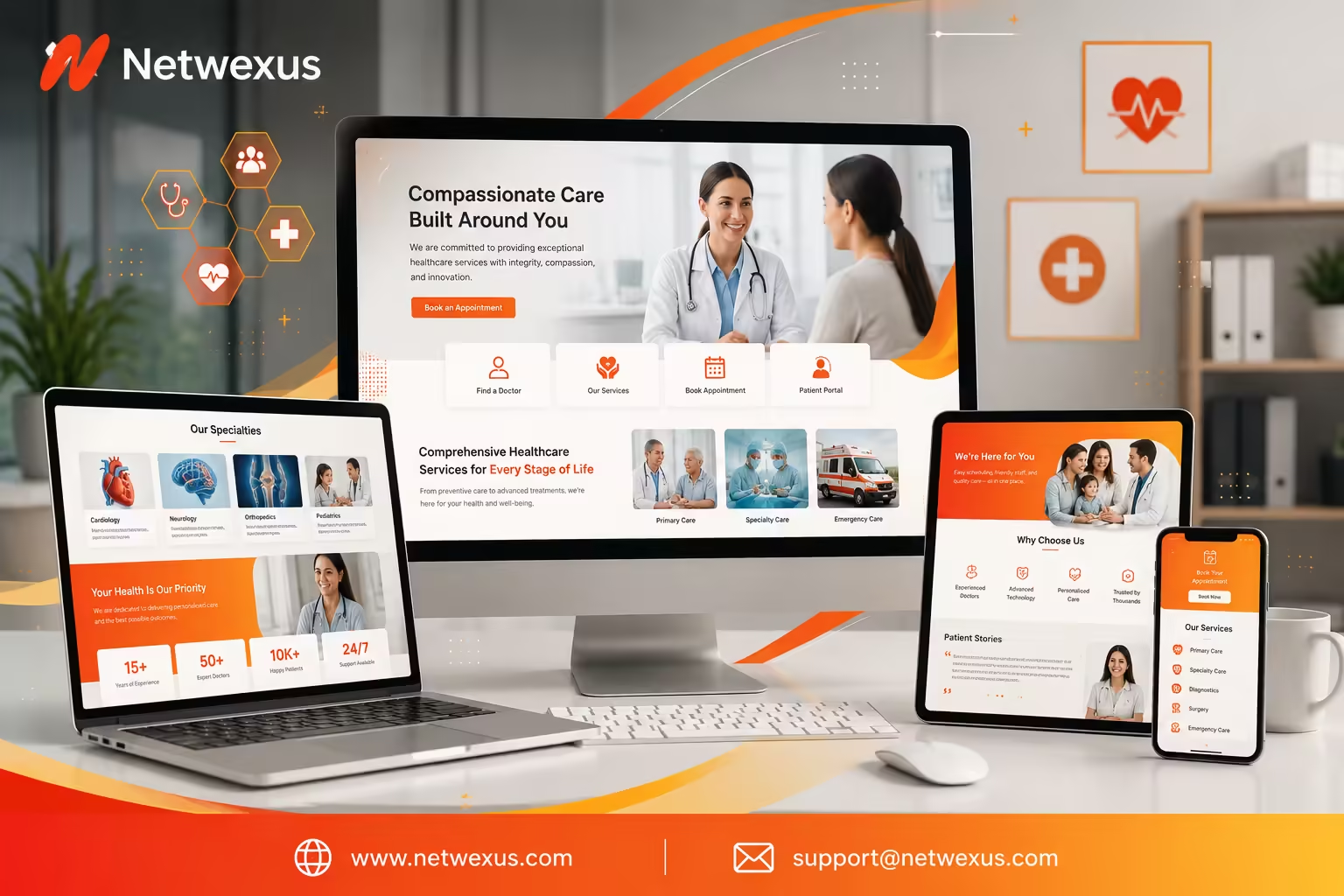
Your website is often the first interaction a patient has with your practice — before they call, before they walk in, before they ever meet a provider. If that first interaction is slow, confusing, or looks a decade out of date, many patients quietly move on to the next clinic in their search results.
That’s the uncomfortable reality for a lot of healthcare organizations. The care they deliver is excellent, but their website undersells it: appointment requests get buried, service pages are thin or missing, the site breaks on mobile, and contact forms feel anything but secure. Meanwhile, competitors with modern, patient-friendly websites capture the searches, the clicks, and the bookings.
Working with an experienced healthcare website design company changes that equation. In this guide, we’ll walk through why professional design matters in healthcare, what a high-performing medical website actually includes, how security and SEO fit in, what design costs, and how to choose the right partner — with practical recommendations you can act on, whether you run a solo practice, a multi-location clinic, or a hospital system. Along the way, we’ll explain how Netwexus approaches healthcare website design and development for organizations that want their site to work as hard as they do.
Why Healthcare Organizations Need Professional Website Design
Healthcare is a trust-driven industry, and websites are trust-driven products. A generic template that works fine for a coffee shop rarely holds up when a patient is deciding who to trust with their health.
Build Trust With a Modern Healthcare Website
Patients make judgments about your practice within seconds of landing on your site. Clean design, professional photography, clear provider credentials, and consistent branding all signal that your organization is established and careful — the same qualities patients want in their care. An outdated or cluttered site sends the opposite message, fairly or not.
Professional medical website design pays attention to the details that build credibility:
- Consistent, calming visual branding across every page
- Real photos of your facility and team where possible
- Clearly displayed credentials, affiliations, and certifications
- An overall experience that feels current, not neglected
Make Healthcare Information Easy to Find
Patients visit healthcare websites with specific questions: Do you treat my condition? Do you accept my insurance? Where are you located? How do I book? A well-structured site answers these questions in one or two clicks. That means logical navigation, dedicated service pages, prominent contact details, and search-friendly page titles that match how patients actually describe their needs.
When information is hard to find, two things happen: patients leave, and your front desk absorbs phone calls the website should have handled.
Improve Patient Engagement and Accessibility
A professional healthcare web design team also thinks beyond aesthetics. Engagement features — online scheduling, educational resources, FAQs, clear next steps on every page — keep patients moving toward an appointment instead of bouncing. And accessibility ensures the site works for everyone, including older patients, users with visual or motor impairments, and people browsing on slow connections. In healthcare, accessible design isn’t a nice-to-have; it’s part of serving your whole patient population.
What Makes a High-Performing Healthcare Website?
A high-performing healthcare website is mobile-responsive, fast-loading, easy to navigate, accessible to patients of all abilities, and equipped with secure contact and appointment features that turn visitors into booked patients.
Let’s break each of those down.
Mobile-Responsive Healthcare Web Design
Most patients now search for healthcare on their phones — often in the moment they need care. A responsive healthcare website adapts seamlessly to any screen size, with tap-friendly buttons, readable text without zooming, and click-to-call phone numbers. If your site requires pinching, scrolling sideways, or hunting for a tiny “Contact” link on mobile, you’re losing patients at the exact moment they’re ready to book.
Simple and Patient-Friendly Navigation
Patients shouldn’t need a map to use your website. Patient-friendly navigation typically means:
- A short, clear main menu (Services, Providers, Locations, Patient Info, Contact)
- A visible “Book an Appointment” button on every page
- Descriptive labels — “Our Services,” not clever internal jargon
- A search function for larger sites and hospital systems
The goal is simple: any visitor, at any level of tech comfort, can find what they need without frustration.
Fast Loading Speed and Performance
Slow websites lose visitors and rank lower in search. Performance-focused healthcare web development includes optimized images, efficient code, quality hosting, and caching — the technical work that keeps pages loading quickly on both desktop and mobile networks. Speed is also a component of Google’s Core Web Vitals, which means it influences how visible your site is in search results, not just how it feels to use.
Accessible Design for Every Patient
Accessibility means designing to recognized standards such as the Web Content Accessibility Guidelines (WCAG): sufficient color contrast, keyboard navigation, text alternatives for images, properly labeled forms, and content that works with screen readers. For healthcare organizations, accessible design broadens who you can serve, improves usability for everyone, and reflects the inclusive values most practices already hold.
Secure Contact and Appointment Features
Every form on a healthcare website — appointment requests, contact forms, new patient inquiries — should be built with security in mind. That includes encrypted connections, thoughtful decisions about what information forms collect, and careful handling of where submissions are sent and stored. We’ll cover security in depth below, because it deserves its own section.
Essential Features of a Healthcare Website
What should a healthcare website include? At minimum, most medical practice websites need the following:
- Online appointment scheduling or request forms
- Doctor and provider profiles
- Service and specialty pages
- Patient forms and multiple contact options
- Location, hours, and contact information
- FAQs and patient education resources
Online Appointment Scheduling
Online booking is one of the highest-impact features a clinic website can offer. Whether it’s a full scheduling integration with your practice management system or a simple, secure appointment request form, giving patients a way to book outside office hours captures demand your phone lines miss — evenings, weekends, and the many patients who simply prefer not to call.
Doctor and Provider Profiles
Patients choose people, not just practices. Strong provider profiles include a professional photo, credentials and education, specialties, languages spoken, and a short bio that conveys approachability. Profiles are also valuable for search: patients frequently search providers by name before booking.
Healthcare Services and Specialty Pages
Each major service or specialty deserves its own dedicated page — not a single paragraph on a crowded “Services” page. Individual pages let you explain what the service involves, who it’s for, and what patients can expect, in plain language. They’re also essential for healthcare SEO, since each page can target the specific terms patients search for.
Patient Forms and Contact Options
Reduce friction before the first visit. Offer downloadable or online new-patient forms, clear insurance information, and multiple ways to get in touch — phone, secure form, and email where appropriate. Every barrier you remove before the appointment improves both patient experience and front-office efficiency.
Location, Hours, and Contact Information
This sounds basic, but it’s where many healthcare websites fall short. Display your address, phone number, and hours prominently — ideally in the header or footer of every page. Embed a map, provide parking or transit guidance, and keep hours current, including holiday schedules. For multi-location organizations, give each location its own page.
FAQs and Healthcare Resources
An FAQ section answers common questions (insurance, first-visit expectations, billing, referrals) before patients need to call. General educational resources can also position your organization as a helpful authority — just keep content informational and clearly avoid presenting website content as individualized medical advice.
Why Healthcare Website Security Matters
Security is where healthcare websites differ most from ordinary business sites. Patients may share sensitive information through your website, and they expect it to be protected.
Protecting Patient Information
Any website that collects patient information — even a simple appointment request form — needs to be designed with data protection in mind. That starts with limiting what you collect. A booking form usually doesn’t need detailed health history; collecting less sensitive data through the website reduces risk. It also means thinking carefully about where form submissions go, who can access them, and how long they’re retained.
Secure Forms and Communication
Secure form design includes encrypted transmission, spam protection, and secure storage or delivery of submissions. If your organization needs patients to share health-related details online, that often calls for purpose-built secure messaging or patient portal tools rather than a standard contact form. An experienced healthcare website development company will help you decide which communications belong on the website and which belong in dedicated secure systems.
A note on regulations: requirements such as HIPAA in the United States depend on your organization’s specific services, systems, data flows, and jurisdiction. A website is not automatically compliant simply because it uses SSL or secure hosting — compliance involves how data is collected, transmitted, stored, accessed, and governed across your organization. Work with your compliance advisors to define requirements, and make sure your web team builds to them.
SSL, Security, and Website Maintenance
An SSL certificate (the padlock in the browser) is the baseline: it encrypts data between the visitor and your site and is expected by both patients and search engines. Beyond SSL, ongoing security includes software and plugin updates, malware monitoring, regular backups, strong access controls, and a maintenance plan so vulnerabilities are patched promptly. Security isn’t a launch-day checkbox; it’s a continuing practice.
Building Patient Confidence Through Secure Design
Visible trust signals matter too. A professional design, HTTPS across the site, clear privacy information, and transparent explanations of how form data is used all reassure patients that your organization takes their information seriously — which directly affects whether they’re willing to submit that appointment request.
SEO-Friendly Healthcare Website Design
A beautiful website that no one finds doesn’t grow a practice. Search engine optimization should be built into healthcare website design from the start, not bolted on later.
Healthcare Keyword Optimization
Effective healthcare SEO starts with understanding how patients search: by condition (“knee pain doctor”), by service (“physical therapy near me”), by specialty, and by provider name. Each important search theme should map to a specific page, with naturally written titles, headings, and content that match the patient’s language — not internal medical terminology patients never type.
Local SEO for Clinics and Medical Practices
Most healthcare searches are local. Local SEO for clinics includes location-specific pages, consistent name/address/phone details across the web, an optimized Google Business Profile, local schema markup, and content that references the communities you serve. For practices, ranking in the local map results can drive more appointments than any other single channel.
Optimized Service and Specialty Pages
This is where site structure and SEO meet. Every service page you build is an opportunity to rank for a distinct set of patient searches. Well-optimized specialty pages combine helpful, plain-language content with sensible on-page SEO: descriptive titles, structured headings, internal links, and clear calls to action. Thin or duplicated service pages, by contrast, rank poorly and convert worse.
Technical SEO and Core Web Vitals
Under the hood, search engines reward sites that are fast, stable, mobile-friendly, and crawlable. Technical SEO for healthcare websites covers page speed, Core Web Vitals, clean site architecture, XML sitemaps, structured data (such as organization, physician, and FAQ schema), and fixing crawl errors. These are development tasks — one more reason design and development capabilities belong in the same team.
How a Healthcare Website Can Increase Patient Leads
A healthcare website should be more than an online brochure. Designed well, it’s a lead-generation engine that turns search visibility into booked appointments.
Create Clear Calls to Action
Every page should answer the question, “What should I do next?” Effective calls to action are specific (“Book an Appointment,” “Request a Consultation,” “Call Our Clinic”), visually prominent, and repeated at natural points — in the header, within service pages, and at the end of content. Vague CTAs like “Learn More” leave patients without a path forward.
Turn Website Visitors Into Appointment Requests
Conversion-focused design reduces every point of friction between arriving and booking:
- Keep appointment forms short — ask only what’s necessary
- Make phone numbers clickable on mobile
- Place booking options above the fold on key pages
- Set clear expectations (“We’ll respond within one business day”)
- Confirm submissions so patients know their request went through
Small improvements here compound. A website that converts even slightly more of its existing traffic into appointments delivers meaningful growth without spending more on marketing.
Build Trust With Reviews, Credentials, and Testimonials
Social proof is powerful in healthcare. Displaying genuine patient reviews (with appropriate permissions and in line with applicable privacy rules), provider credentials, hospital affiliations, awards, and years of service all reduce the perceived risk of choosing your practice. Keep testimonials authentic — real feedback, presented honestly, always outperforms polished marketing copy.
Why Choose a Professional Healthcare Website Design Company?
Could you build a site on a DIY platform? Sure. But healthcare organizations that treat their website as a growth channel — not just an address on the internet — consistently get more from working with specialists.
Industry-Focused Design Strategy
A team experienced with medical practice website design understands patient behavior, healthcare trust signals, sensitive-data considerations, and the content structures that work for clinics, specialists, and hospital systems. That context shortens the learning curve and shows up in the final product.
Custom Website Development
Custom healthcare web development means your site is built around your services, your patient journey, and your systems — including integrations with scheduling tools, patient portals, or practice management software — rather than forcing your organization into a generic template’s limitations.
SEO and Conversion-Focused Design
The best healthcare websites are designed by teams that think about search visibility and conversion from the first wireframe: page structures that can rank, content plans built on real patient search behavior, and layouts engineered to turn visitors into appointment requests. Netwexus builds websites this way — design, development, and SEO as one integrated process rather than three disconnected projects.
Ongoing Website Support and Maintenance
Healthcare websites need care after launch: security updates, backups, content changes, new provider profiles, performance monitoring. A professional partner provides ongoing support so your site stays secure, current, and fast — and so your staff isn’t stuck troubleshooting web issues instead of serving patients.
How Much Does Healthcare Website Design Cost?
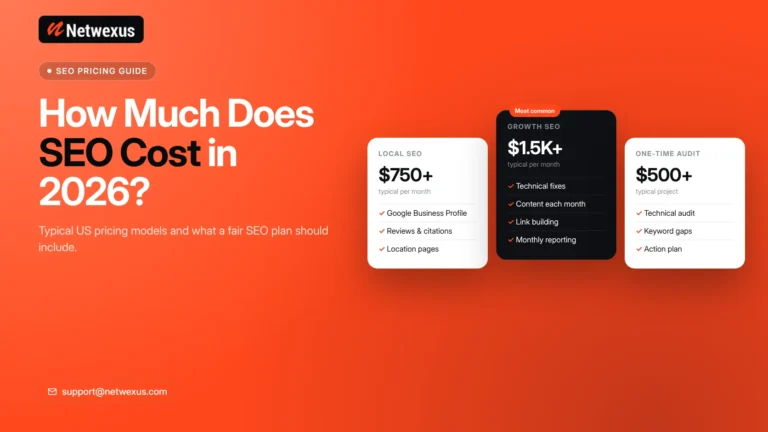
Quick answer: Healthcare website costs vary widely depending on size, features, and customization — from modest budgets for small template-based clinic sites to significantly larger investments for custom, multi-location, or integration-heavy projects. The right way to think about cost is against the value of the patients the website brings in.
Factors That Affect Healthcare Website Design Pricing
Key cost drivers include:
- Number of pages — a five-page clinic site vs. a hospital system with hundreds of pages
- Custom design vs. template customization
- Features and integrations — online scheduling, portals, multilingual support, search
- Content creation — copywriting, photography, provider profiles
- SEO scope — keyword research, on-page optimization, local SEO setup
- Security and compliance requirements specific to your organization
- Ongoing maintenance and support plans
Custom vs. Template-Based Healthcare Websites
Template-based websites cost less and launch faster, and they can be a reasonable fit for small practices with straightforward needs — provided the template is customized properly for branding, accessibility, and SEO. Custom websites cost more upfront but offer distinctive design, better performance, flexibility for integrations, and room to grow. Many organizations land somewhere in between: a professionally customized platform build that balances budget with quality.
Long-Term ROI of Professional Healthcare Web Design
The most useful lens is return on investment. Consider the lifetime value of a single new patient to your practice, then ask how many additional patients per month a faster, better-ranking, better-converting website would need to bring in to pay for itself. For most practices, the answer is: not many. A professional website is one of the few marketing investments that works continuously, around the clock, for years.
How to Choose the Best Healthcare Website Design Company
Choosing a web partner is a significant decision. Here’s a practical evaluation checklist.
Review Healthcare Website Experience
Ask whether the agency has built websites for medical practices, clinics, or healthcare organizations before — and what they learned. Healthcare has distinct requirements around trust, sensitive data, and patient behavior. Relevant experience isn’t strictly mandatory, but a team should at least demonstrate that it understands these differences.
Check Design, SEO, and Development Capabilities
The strongest partners handle design, development, and SEO together. Ask how they approach:
- Mobile responsiveness and page speed
- Keyword research and site structure
- Accessibility standards
- Content strategy for service pages
- Analytics and conversion tracking
If an agency treats SEO as an afterthought or outsources core development, expect gaps in the final product.
Evaluate Security and Maintenance Services
Ask directly: How do you secure forms and patient-facing features? What does your maintenance plan include? How are backups, updates, and monitoring handled? How would you support our specific compliance requirements? Clear, confident answers here separate professional healthcare website development services from generalist freelancers.
Review Previous Healthcare Website Projects
Look at live work. Browse the agency’s portfolio on real devices: Is navigation intuitive? Are the sites fast? Do they look current? Would you book an appointment through them? Where possible, ask for references and outcomes — not just screenshots.
Healthcare Website Design FAQs
What should a healthcare website include?
A healthcare website should include online appointment scheduling or request forms, provider profiles, dedicated service and specialty pages, patient forms and insurance information, prominent location and contact details, and an FAQ or resources section — all delivered through a fast, mobile-responsive, secure, and accessible design.
How long does it take to build a healthcare website?
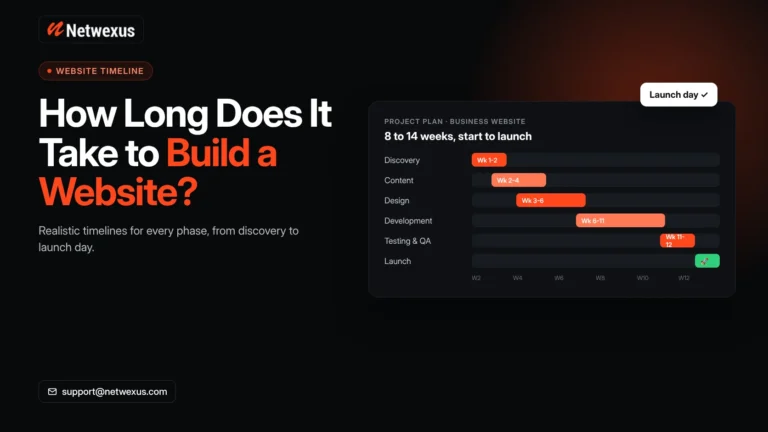
Timelines depend on scope. A small clinic website typically takes around 4–8 weeks, while larger custom projects with integrations, extensive content, or multiple locations can take 3–6 months or more. Content preparation — copy, photos, provider bios — is often the biggest variable, so starting it early keeps projects on schedule.
Is healthcare website design important for SEO?
Yes. Design and SEO are deeply connected: site structure determines which pages can rank, page speed and mobile responsiveness affect Core Web Vitals, and clear layouts reduce bounce rates. A website designed without SEO in mind usually requires expensive rework later, which is why the two should be planned together from the start.
How can a healthcare website generate more appointments?
By combining visibility with conversion: rank for local and service-related searches, then make booking effortless with prominent calls to action, short secure request forms, click-to-call numbers, online scheduling, and trust signals like reviews and credentials. Each step a patient doesn’t have to take increases the odds they book.
How do I choose a healthcare website design company?
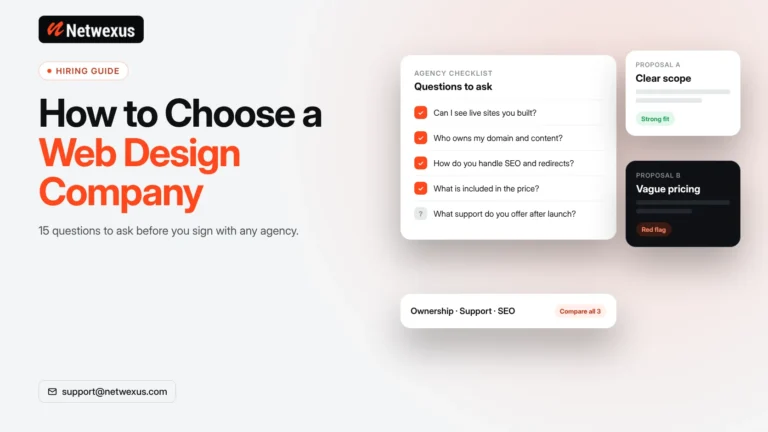
Evaluate healthcare experience, review live portfolio sites on mobile, confirm the team handles design, development, and SEO together, ask detailed questions about security and maintenance, and make sure they take time to understand your organization’s goals before proposing solutions. The right partner asks as many questions as they answer.
Build a Better Healthcare Website With Netwexus
Your website should be your hardest-working front door — open around the clock, answering patient questions, building trust, and filling your schedule.
Create a Professional Digital Experience for Your Patients
Netwexus designs and develops websites for healthcare organizations that put the patient experience first: modern, responsive design; clear, accessible navigation; secure contact and appointment features; and content structured around how patients actually search and decide. Every project is built to reflect the professionalism of the care you deliver.
Turn Your Healthcare Website Into a Growth Channel
Beyond design, Netwexus brings development, SEO, and ongoing support together in one team — so your site doesn’t just look the part, it performs: ranking for the searches that matter, loading fast on every device, and converting visitors into appointment requests month after month.
If your current website isn’t earning the trust — or the appointments — your organization deserves, it’s time for a conversation. Contact Netwexus today to discuss your healthcare website project and find out how a modern, secure, patient-friendly website can become one of your practice’s most valuable growth channels.
Ready to build a healthcare website that earns trust and drives growth?
Netwexus helps clinics, medical practices, and healthcare organizations create modern, secure, responsive, SEO-friendly websites designed around the patient experience. From strategy and design to development, optimization, and ongoing support, one dedicated team handles your project end to end.
Contact Netwexus today at www.netwexus.com to discuss your healthcare website project — and turn your website into your practice’s most reliable source of new patients.