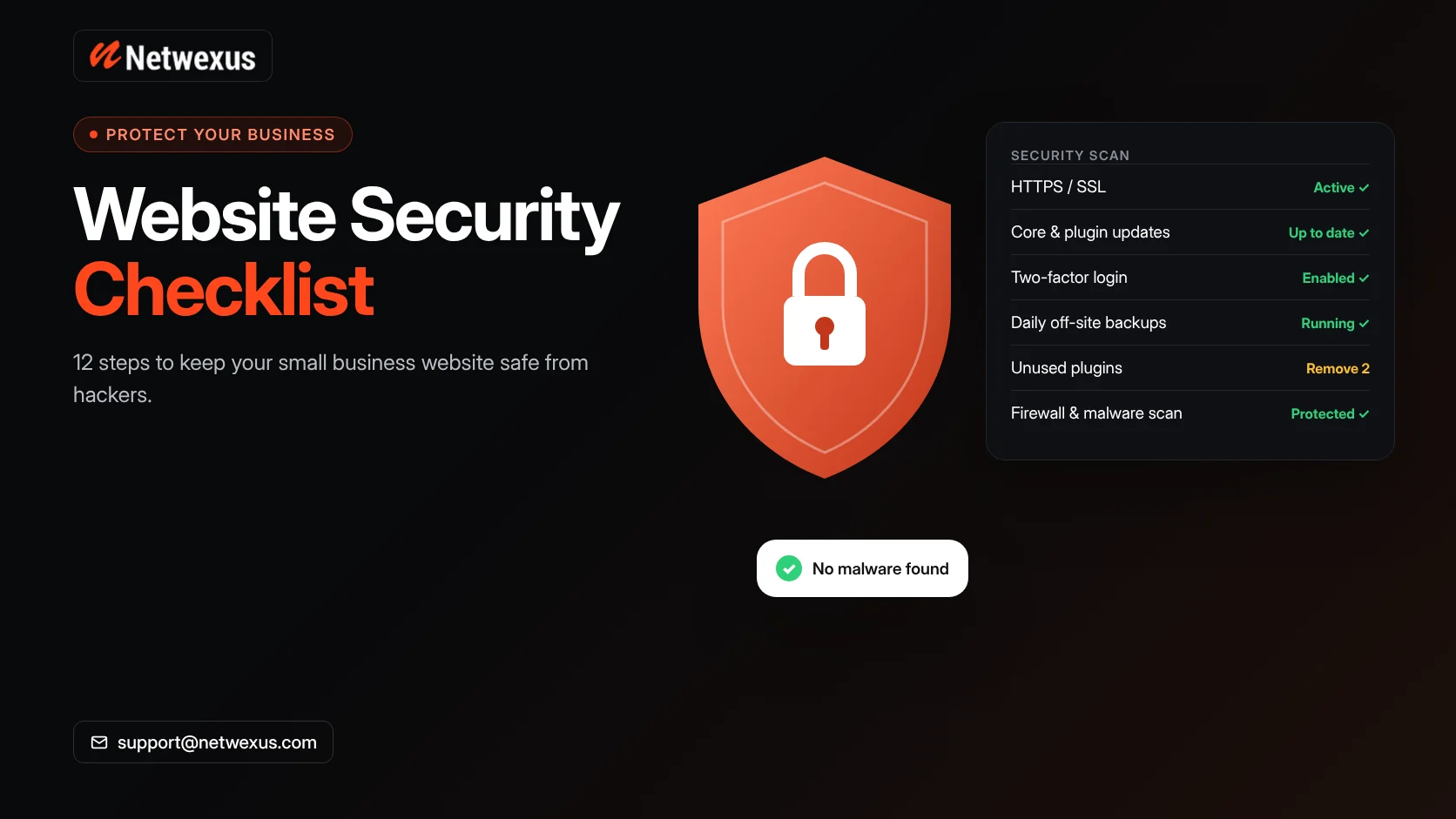
Small business websites are frequent targets for hackers, not because they hold valuable secrets, but because they are often easier to break into than large corporate sites. A hacked website can lose customer trust, show spam or malware to visitors and even be flagged or removed from Google search results.
Use this website security checklist to protect your business site, whether it runs on WordPress, Shopify or a custom platform.
Why Small Business Websites Get Hacked
- Outdated software, plugins or themes with known vulnerabilities.
- Weak or reused passwords.
- Too many people with administrator access.
- Cheap hosting without security monitoring.
- No backups, so recovery is slow and expensive.
The Website Security Checklist
1. Use HTTPS Everywhere
An SSL certificate encrypts data between visitors and your site. Make sure every page loads over HTTPS and that HTTP versions redirect automatically.
2. Keep Everything Updated
Update your CMS core, plugins, themes and server software promptly. Most successful attacks on WordPress sites exploit known issues in outdated plugins.
3. Remove What You Do Not Use
Delete inactive plugins and themes, old staging sites and unused user accounts. Every extra component is another potential entry point.
4. Use Strong Passwords and Two-Factor Authentication
Require long, unique passwords stored in a password manager, and turn on two-factor authentication for every admin account, hosting panel and domain registrar.
5. Limit Admin Access
Give each person only the permissions they need. Editors and authors do not need administrator rights.
6. Protect the Login Page
Limit login attempts, change default login URLs where appropriate and consider a web application firewall to block automated attacks.
7. Back Up Automatically
Schedule daily backups of files and the database, store them off the server and test restoring them. A backup you have never restored is only a hope.
8. Choose Secure Hosting
Good hosting includes server-level firewalls, malware scanning, isolated accounts and fast support. It is one of the most important security decisions you make.
9. Monitor for Malware and Changes
Use security monitoring to scan for malware and alert you to unexpected file changes. Check Google Search Console’s Security Issues report as well.
10. Secure Your Forms
Protect contact and quote forms with spam filtering or CAPTCHA, validate inputs and send submissions over HTTPS only.
11. Add Security Headers
Headers such as Content-Security-Policy, X-Content-Type-Options and Strict-Transport-Security add extra layers of protection in the browser.
12. Protect Customer Data
Collect only the data you need, use trusted payment providers rather than storing card details yourself and follow applicable privacy laws such as state privacy regulations in the US.
What to Do If Your Website Is Hacked
- Take the site offline or into maintenance mode if it is spreading malware.
- Change all passwords: hosting, CMS, database, FTP and email.
- Restore a clean backup or have a professional clean the infection.
- Find and fix the vulnerability that allowed the attack.
- Request a review in Google Search Console if your site was flagged.
Security and SEO
Google’s spam policies list hacked content as a violation, and hacked sites can show warnings to visitors or lose rankings. Keeping your website secure protects your search visibility as well as your customers. Our technical SEO services include security and health checks.
Frequently Asked Questions
Is WordPress secure?
WordPress core is actively maintained and secure when kept updated. Most problems come from outdated plugins, weak passwords and poor hosting.
How often should I back up my website?
Daily backups are a good standard for business sites, with more frequent backups for busy online stores.
Do small websites really get attacked?
Yes. Most attacks are automated bots scanning the internet for any vulnerable site, regardless of size.
Keep Your Website Safe
We build and maintain websites with security in mind from day one. Explore our WordPress development services, see our backend development services or request a free quote.