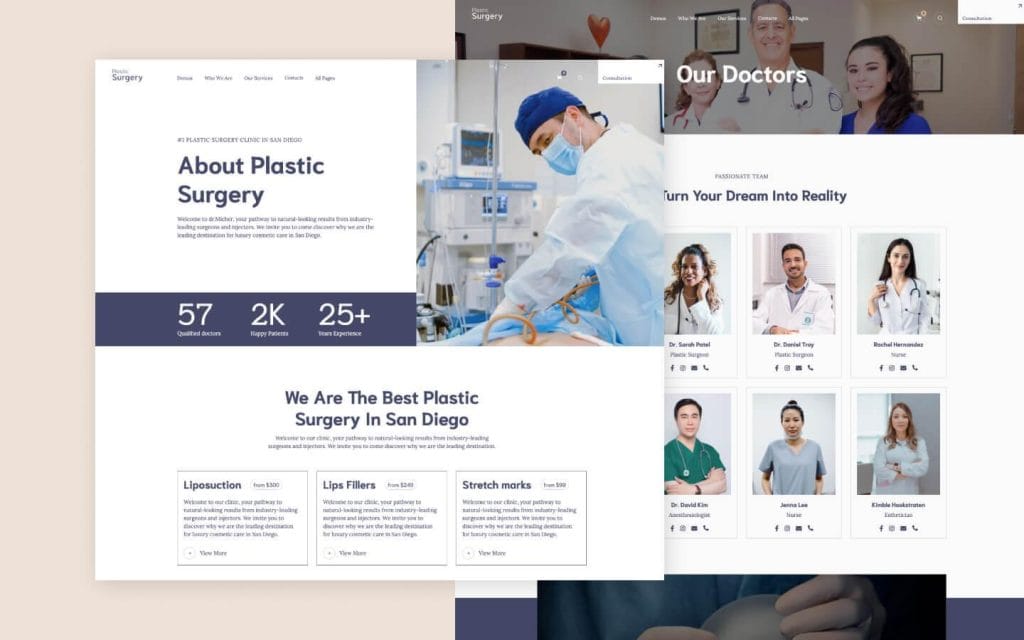
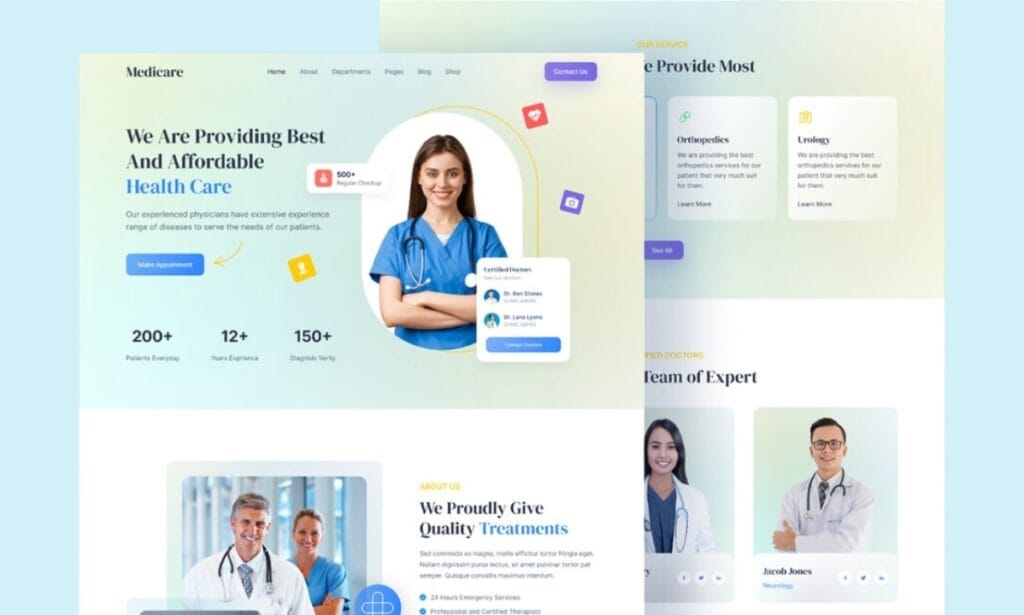
In the rapidly evolving world of digital marketing, optimizing your WordPress site for SEO is no longer optional. It is a necessity. As search engines become more sophisticated, SEO tactics must adapt to meet new standards. With Google’s recent updates, particularly in August 2025, the focus is on high-quality content, technical optimization, and a seamless user experience. Whether you’re looking to improve your website’s ranking or boost conversions, effective WordPress SEO optimization is key.
This guide will walk you through the critical steps to optimize your WordPress website design, development, and SEO services. At Netwexus, we specialize in WordPress development and digital marketing, helping businesses of all sizes elevate their online presence.
Understanding WordPress SEO
Before diving into the specifics of SEO optimization, it is crucial to understand what WordPress SEO entails. SEO (Search Engine Optimization) refers to the process of improving your website’s visibility on search engines like Google. This process includes improving both on-page and off-page factors to ensure that search engines can easily index and rank your website content.
WordPress is known for being SEO-friendly, but it still requires proper setup, optimization, and maintenance. From URL structure to metadata optimization, every aspect of your WordPress website design can affect your SEO performance.
The Importance of a Well-Designed Website
A strong foundation begins with website design. The way your WordPress website is designed affects user experience (UX), site speed, navigation, and ultimately SEO rankings. A well-structured site enhances accessibility, which is essential for search engines to crawl and index your pages. Here are the key design principles for SEO:
- Mobile-First Design: Google’s mobile-first indexing means that Google predominantly uses the mobile version of your website for ranking and indexing. Ensure your WordPress website is responsive, meaning it adapts to various screen sizes.
- Clear Navigation: User-friendly navigation makes it easier for visitors to find content and for search engines to crawl your site. Implement a logical site structure, with categories and subcategories.
- Fast Loading Speed: Page speed is a ranking factor. A fast website enhances UX and helps retain visitors.
Optimizing Your WordPress Site for SEO
Optimizing your WordPress website design and development goes beyond simply installing a plugin. It involves numerous techniques across different aspects of your site. Here’s a step-by-step guide:
1. Install an SEO-Friendly Theme
Your WordPress theme should be optimized for speed and SEO. Choose a lightweight, responsive theme that doesn’t include unnecessary features, which could slow your site down. Some popular SEO-friendly themes include Astra, GeneratePress, and StudioPress.
2. Use SEO-Friendly URLs
WordPress offers the ability to customize your permalinks. A clean and simple URL structure is preferred by both search engines and users. Avoid using complex URLs with random characters. Ideally, your URL should be descriptive and contain relevant keywords.
3. Optimize Metadata
Each page and post on your WordPress site should have optimized metadata, including the title tag and meta description. These elements help search engines understand the content of your page. The title tag should include your focus keyword, and the meta description should be an engaging summary of the content.
4. Use Headings Properly
Headings (H1, H2, H3, etc.) are essential for structuring your content. Search engines pay attention to headings to determine the hierarchy of information on your page. Use H2 headings for section titles and H3 for subsections to organize your content effectively.
5. Optimize Images
Large image files can slow down your website, negatively affecting SEO. Use image compression tools like Smush or ShortPixel to reduce image sizes without compromising quality. Additionally, make sure to add alt text to every image to improve accessibility and help search engines understand what the image is about.
Content is King: How to Create SEO-Friendly Content
In 2025, Google’s algorithms emphasize high-quality, engaging, and relevant content. Here’s how you can create SEO-friendly content for your WordPress site:
1. Focus on Search Intent
Search intent is the reason behind a user’s search. Understanding search intent allows you to create content that answers the user’s query effectively. Whether users are looking for information, products, or services, tailor your content to fulfill their needs.
2. Incorporate Long-Tail Keywords
Long-tail keywords are specific search phrases that typically have lower competition but higher conversion rates. They also better match user intent. For example, instead of focusing on the broad keyword “SEO services,” target long-tail variations like “affordable SEO services for small businesses.”
3. Write Comprehensive, In-Depth Content
Google values content that provides thorough answers to search queries. Write in-depth articles that cover the topic comprehensively. The longer the content, the more opportunities there are to include relevant keywords and subtopics.
4. Use Internal and External Links
Internal links connect your content to other pages on your website, helping search engines understand the site structure. External links to authoritative sources can boost your content’s credibility and SEO ranking.
5. Avoid Thin Content
Thin content refers to pages or posts that offer little value to users. Google’s algorithm updates focus on eliminating such content. To avoid thin content, ensure your posts are well-researched, informative, and offer substantial value to readers.
Mobile Optimization: Why It Matters
With over half of web traffic coming from mobile devices, Google has placed a heavy emphasis on mobile-first indexing. This means that your WordPress site’s mobile version will be prioritized when ranking. To ensure mobile optimization:
- Choose a responsive WordPress theme that automatically adjusts to different screen sizes.
- Test your site regularly on various mobile devices.
- Make sure all buttons, forms, and navigation elements are easily clickable on mobile devices.
Optimizing Your Website’s Speed for Better Rankings
Page speed is a direct ranking factor in Google’s algorithm. A slow website can harm user experience, leading to high bounce rates and lower rankings. Use the following strategies to improve page speed:
- Enable Caching: Caching stores a copy of your site’s pages, reducing server load and improving load times.
- Optimize Images: Use image compression tools and serve images in modern formats like WebP.
- Use a Content Delivery Network (CDN): A CDN helps deliver content to users from the nearest server location, reducing loading times.
- Minify CSS, JavaScript, and HTML: Reducing the size of these files can make your website faster.
How to Choose the Right SEO Plugins for WordPress
There are numerous SEO plugins available for WordPress, but only a few stand out in terms of functionality and ease of use. Some popular plugins include:
- Yoast SEO: A comprehensive SEO plugin that helps you optimize your content and metadata, analyze readability, and generate sitemaps.
- Rank Math: A feature-rich plugin that provides SEO analysis, schema markup, and automated internal linking suggestions.
- All in One SEO (AIOSEO): Another powerful plugin that simplifies SEO tasks like keyword optimization, social media integration, and technical SEO.
Technical SEO for WordPress
Technical SEO ensures that search engines can crawl, index, and rank your WordPress site without any issues. Key aspects include:
- XML Sitemap: An XML sitemap helps search engines find and index your pages quickly.
- Robots.txt: This file tells search engines which pages to crawl and which to avoid.
- Schema Markup: Adding schema markup helps search engines understand your content more effectively, improving rich snippet visibility in search results.
Off-Page SEO: Building Quality Backlinks
Backlinks are one of the most important ranking factors in Google’s algorithm. They signal to search engines that your content is authoritative and trustworthy. To build quality backlinks:
- Guest Post on Industry Blogs: Write valuable guest posts for other websites in your niche and link back to your site.
- Create Linkable Assets: Create content like infographics, guides, or research that naturally attracts links.
- Monitor Backlinks: Use tools like Ahrefs or SEMrush to monitor your backlink profile and disavow any harmful links.
Regularly Updating Your Website
Google favors websites that consistently produce fresh, high-quality content. Regularly updating your site with new blog posts, news, or product updates signals to Google that your website is active. Review old posts and refresh them with new information, improved SEO, and updated media.
Local SEO Optimization for WordPress
Local SEO is critical if your business serves specific geographic areas. Some local SEO strategies include:
- Claim and Optimize Google My Business (GMB): Your GMB profile should be fully optimized with accurate business information, photos, and reviews.
- Use Local Keywords: Target keywords that reflect your location (e.g., “SEO services in Los Angeles”).
- Build Local Citations: Get listed in local online directories like Yelp and Yellow Pages.
Advanced SEO Techniques for WordPress
For those who want to go above and beyond basic SEO, advanced techniques include:
- Video SEO: Optimize videos for search engines by including relevant keywords in the title, description, and tags.
- Voice Search Optimization: Voice search is becoming increasingly popular. Optimize for conversational keywords and questions.
- E-A-T (Expertise, Authoritativeness, Trustworthiness): Focus on producing authoritative content from trusted sources to improve your site’s E-A-T.
Optimizing your WordPress website for SEO is a continuous process. With these strategies, your website will be better positioned to rank higher in search results, attract more visitors, and convert leads into customers. Implement these practices and stay ahead of Google’s evolving algorithm updates for long-term success.