
- September 7, 2026
- 0 Comments
A dental website needs to do more than look professional. It needs to load quickly, respond smoothly when visitors interact with it, remain visually stable, and make it easy for potential patients to find information or request an appointment. These technical aspects of website performance have become an important part of modern dental website design because they directly influence how people experience a website.
When someone searches for a dentist online, they may be comparing several practices at the same time. If one dental website loads quickly and provides a smooth experience while another is slow, difficult to navigate, or constantly shifts while loading, the faster and more reliable website can create a much stronger first impression.
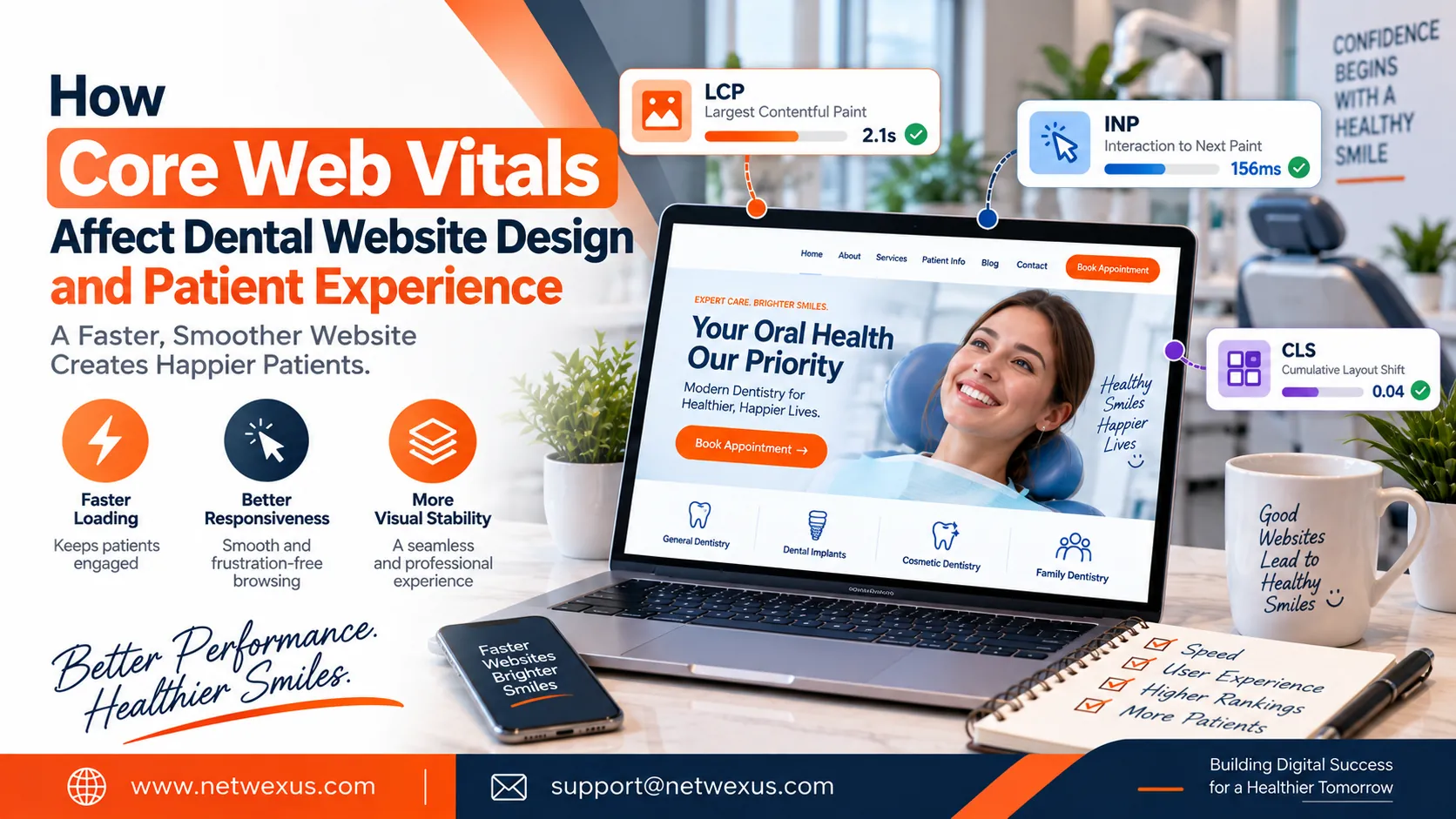
This is where Core Web Vitals come into the picture. Core Web Vitals are a set of user-focused performance metrics that measure important aspects of a web experience, including loading performance, responsiveness, and visual stability. Google’s current Core Web Vitals include Largest Contentful Paint (LCP), Interaction to Next Paint (INP), and Cumulative Layout Shift (CLS).
For dental practices, understanding these metrics can help create a website that is not only attractive but also easier and more comfortable for patients to use.
What Are Core Web Vitals?
Core Web Vitals are designed to measure real aspects of the user experience rather than simply evaluating how a website looks in a development environment. The three current metrics focus on three different areas: loading, interactivity, and visual stability.
Largest Contentful Paint (LCP) measures how quickly the main content of a page becomes visible. Interaction to Next Paint (INP) measures how responsive a page is when users interact with it. Cumulative Layout Shift (CLS) measures unexpected movement of visible page elements.
Google’s recommended “good” thresholds are generally:
| Core Web Vital | What It Measures | Good Target |
|---|---|---|
| LCP | Loading performance | 2.5 seconds or less |
| INP | Interaction responsiveness | 200 ms or less |
| CLS | Visual stability | 0.1 or less |
These targets are evaluated at the 75th percentile of page visits, segmented between mobile and desktop experiences.
1. LCP: Why Loading Speed Matters for Dental Websites
Largest Contentful Paint, or LCP, focuses on how quickly the largest visible piece of content appears after a visitor starts loading a page. This might be a large hero image, headline, video, or another prominent element.
For a dental website, the LCP element could easily be the large image or hero section at the top of the homepage. If that section takes too long to appear, visitors may see a blank or incomplete screen before the main content becomes available.
Google recommends an LCP of 2.5 seconds or less for a good user experience at the 75th percentile.
This is particularly important for dental practices because users often visit websites with a specific goal. A potential patient might want to find a phone number, check whether emergency appointments are available, learn about dental implants, or book a consultation. They do not want to wait for unnecessary design elements to load.
Common Causes of Poor LCP
Several elements can slow down the main content of a dental website, including:
- Oversized hero images
- Unoptimized photographs
- Slow server response
- Excessive JavaScript
- Render-blocking resources
- Poorly optimized fonts
- Unnecessary third-party scripts
- Heavy website themes or plugins
A dental website can maintain a visually impressive design while reducing these performance problems through image optimization, efficient coding, reliable hosting, caching, and careful resource loading.
2. INP: Making Dental Websites Respond Quickly
A website can load quickly and still feel slow if buttons, menus, forms, or other interactive elements do not respond promptly.
This is where Interaction to Next Paint (INP) becomes important. INP evaluates responsiveness throughout a visitor’s interaction with a page. Google recommends an INP of 200 milliseconds or less for a good experience.
Consider a dental website with an online appointment form. A visitor fills out the form and presses the submission button. If the page takes a noticeable amount of time to respond, the visitor may wonder whether the button worked.
The same issue can occur with navigation menus, appointment calendars, pop-ups, interactive treatment sections, sliders, and other website features.
How Poor INP Can Affect Patients
Slow interactions can create uncertainty. A visitor might click a button multiple times, close the page, or assume that the website is broken.
For a dental practice, that can create unnecessary friction at exactly the point where a visitor is attempting to contact the business.
Reducing unnecessary JavaScript, breaking up long tasks, optimizing third-party scripts, and improving event handling can help create a more responsive experience.
3. CLS: Preventing Unexpected Movement
Cumulative Layout Shift, or CLS, measures visual stability. It focuses on unexpected movement of visible content while a page loads or changes.
Imagine a potential patient is reading a dental treatment page. They are about to click the “Book an Appointment” button when an image, banner, or other element suddenly loads above it. The button moves, and the visitor accidentally clicks something else.
That is exactly the type of frustrating experience CLS is designed to help identify.
Google recommends a CLS score of 0.1 or less for a good experience, measured at the 75th percentile.
Common Causes of CLS Problems
Dental websites can experience layout shifts because of:
- Images without defined dimensions
- Videos without reserved space
- Dynamically loaded content
- Web fonts changing text dimensions
- Appointment widgets
- Third-party embeds
- Pop-ups or banners inserted into the page
- Content loaded above existing content
Reserving the correct space for images, videos, forms, and other dynamic elements can significantly improve visual stability.
How Core Web Vitals Influence Dental Website Design
Core Web Vitals should not be treated as a separate technical task that developers deal with after the website is designed. Performance should be considered during the design process itself.
For example, a designer might choose a large hero image because it looks impressive. However, if that image is unnecessarily large and becomes the main LCP element, it could negatively affect loading performance.
Similarly, a website might include multiple animated elements because they create a visually interesting experience. But excessive animations and JavaScript can contribute to responsiveness problems.
Good dental website design balances aesthetics with performance. The objective is not to remove everything that makes a website attractive. Instead, each design decision should consider how it affects the user’s experience.
Mobile Performance Is Especially Important
Dental websites need to perform well on smartphones because many potential patients search for local services using mobile devices.
Mobile visitors may also have slower network connections or less powerful hardware than desktop users. A website that performs well on a high-end desktop computer may not provide the same experience on a smartphone.
This makes mobile performance an essential part of dental website design.
Images should be appropriately sized for different screens, navigation should remain simple, buttons should be easy to tap, and unnecessary scripts should be minimized. Appointment forms should also work smoothly on smaller displays.
A mobile-friendly website should not feel like a reduced version of the desktop site. It should be designed specifically around the needs of mobile visitors.
Core Web Vitals and the Patient Journey
The patient journey begins long before someone enters a dental office. It may start with a Google search, continue to a service page, and eventually lead to an appointment request.
Performance affects each stage of this journey.
A slow homepage can create a poor first impression. A slow service page can discourage further research. A complicated or unresponsive appointment form can prevent a visitor from completing their inquiry.
This means performance optimization can support the entire journey from search to website visit to appointment request.
A high-performing website does not guarantee that every visitor will become a patient, but it removes unnecessary technical obstacles from the process.
How Core Web Vitals Can Support SEO
Core Web Vitals are part of Google’s broader page experience considerations, and Google recommends site owners measure and improve them. Google’s documentation also emphasizes that Core Web Vitals represent important user-centric aspects of web experience.
However, dental practices should avoid treating Core Web Vitals as the only SEO factor.
A technically fast website still needs useful content, relevant service pages, strong local information, accessible navigation, appropriate metadata, and a good overall search experience.
Think of performance as one part of a larger SEO strategy. A dental website should ideally combine:
- Useful, patient-focused content
- Strong local SEO
- Clear site structure
- Mobile-friendly design
- Fast performance
- Good accessibility
- Relevant internal linking
- Clear appointment CTAs
- Trust-building information
When these elements work together, the website can provide a stronger overall experience for both users and search engines.
Common Dental Website Design Problems That Hurt Core Web Vitals
Many performance issues are caused by design and content decisions rather than complicated technical errors.
One common problem is uploading extremely large dental clinic photographs without optimizing them. High-resolution images can look excellent but may consume unnecessary bandwidth.
Another issue is using too many plugins or third-party services. Appointment systems, chat tools, analytics scripts, social feeds, review widgets, pop-ups, and marketing tools can all add additional resources to a page.
Large video backgrounds can also create unnecessary loading challenges. While video can be effective in certain situations, it should be used strategically rather than simply because it looks impressive.
Finally, excessive animations can make a website feel complicated and can create additional performance demands.
The best approach is to ask whether each element genuinely improves the patient experience. If it does not, removing it may improve both usability and performance.
How to Improve Core Web Vitals on a Dental Website
Improving Core Web Vitals usually requires a combination of design, development, hosting, and content optimization.
Start by optimizing images. Use appropriately sized images and modern formats where supported. Avoid loading a huge desktop image when a smaller version would work perfectly well on a smartphone.
Next, review JavaScript and third-party scripts. Remove tools that are unnecessary and delay scripts that do not need to load immediately.
Improving server performance can also help. Faster server response times can contribute to better loading performance, while caching can reduce repeated work for returning visitors.
For CLS, reserve space for images, videos, embedded forms, and other dynamic elements. This helps prevent content from unexpectedly moving as the page loads.
For INP, reduce unnecessary JavaScript and identify long-running tasks that prevent the browser from responding quickly to user interactions.
Most importantly, do not rely exclusively on a single test. Real-user data can reveal problems that may not appear during a single laboratory test.
How to Measure Core Web Vitals
Dental practices should regularly monitor website performance rather than checking it only after a redesign.
Tools such as PageSpeed Insights and Chrome-based performance tools can help identify potential issues. Google also provides field data through the Chrome User Experience Report for eligible pages and origins.
The distinction between laboratory testing and real-user data is important. A developer’s computer and internet connection may be much faster than the environment used by an actual patient.
Real-world measurements provide valuable insight into how visitors experience the website across different devices and network conditions.
Why Performance Should Be Part of Your Dental Website Strategy
A dental website should be designed around the needs of real patients. Someone searching for a dentist is rarely impressed simply because a website contains complicated animations or large visual effects.
What matters is whether the visitor can quickly find the information they need, understand the services, trust the practice, and take the next step.
Performance supports all of these goals.
Fast loading helps visitors access information sooner. Responsive interactions make forms and navigation easier to use. Visual stability prevents frustration. Together, these characteristics create a smoother patient experience.
That is why Core Web Vitals should be considered an important part of modern dental website design, rather than merely a technical SEO checklist.
Final Thoughts
Core Web Vitals provide a practical way to understand important aspects of website performance. LCP focuses on loading, INP focuses on responsiveness, and CLS focuses on visual stability. Google’s current recommended good thresholds are 2.5 seconds or less for LCP, 200 milliseconds or less for INP, and 0.1 or less for CLS at the 75th percentile.
For dental practices, these metrics matter because website performance is closely connected to the patient experience. A website that loads quickly, responds smoothly, and remains stable makes it easier for visitors to explore treatments, find contact information, and request appointments.