
- September 7, 2026
- 0 Comments
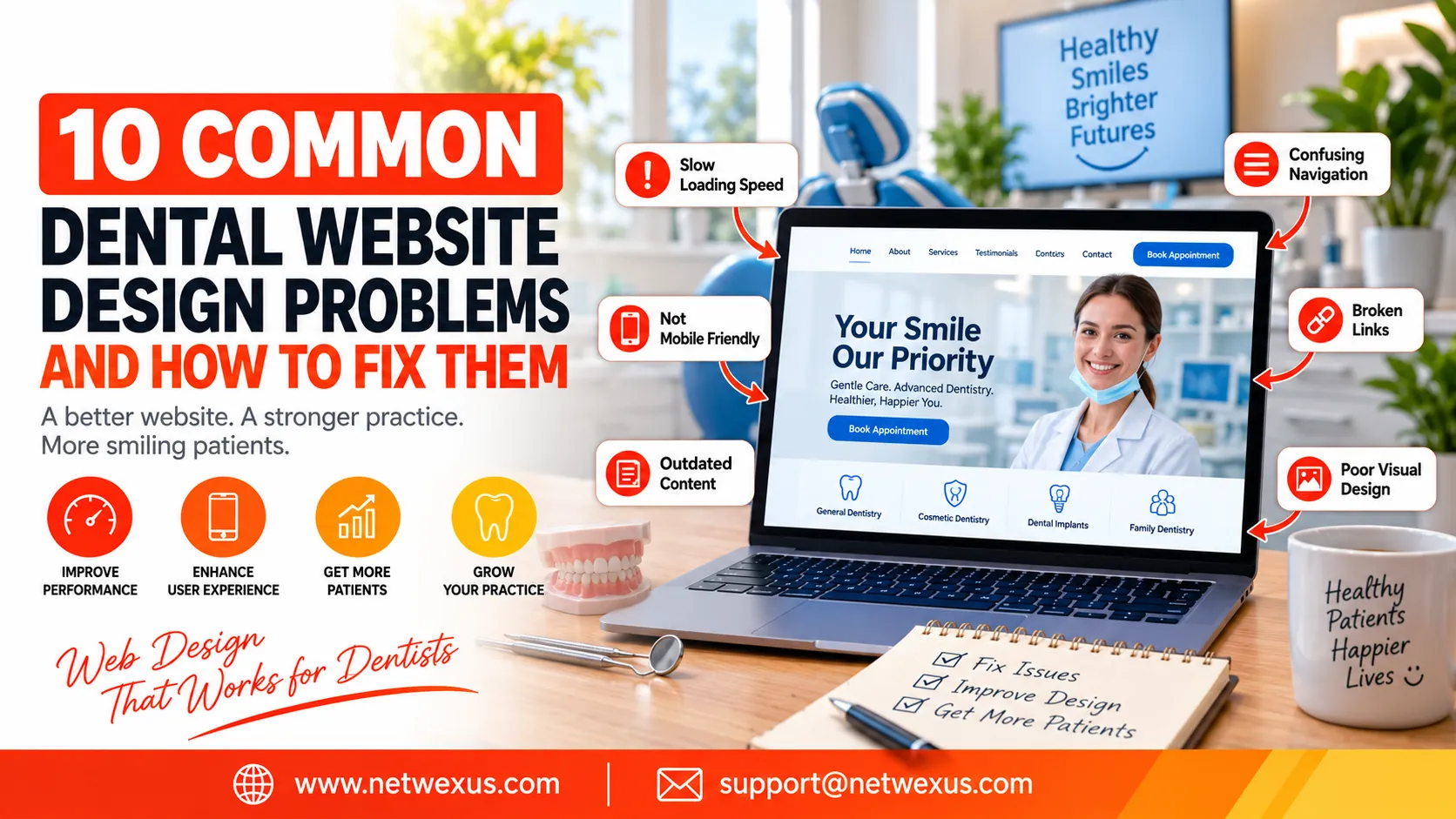
A dental website is often the first interaction a potential patient has with a dental practice. Before calling the clinic, many people search online to learn about services, check reviews, compare dentists, find pricing information, or book an appointment. This means a professional and user-friendly website is no longer optional for dental practices that want to attract and retain patients. A poorly designed website can create confusion, reduce trust, increase bounce rates, and cause potential patients to choose a competitor instead.
Dental website design involves much more than choosing attractive colors and adding photographs. A successful dental website needs to provide a smooth experience across desktop and mobile devices, communicate services clearly, load quickly, support search engine optimization, and make it easy for visitors to contact the practice. Even small design problems can have a significant impact on conversions and online visibility.
The good news is that most dental website problems can be identified and fixed with the right strategy. From slow loading speeds and confusing navigation to weak calls to action and outdated content, improving these areas can make a dental website more effective and patient-focused.
1. Slow Website Loading Speed
One of the most common problems with dental websites is slow loading speed. Large images, unnecessary animations, poorly optimized plugins, excessive scripts, and low-quality hosting can all make a website take too long to load. When a potential patient clicks on a dental website and has to wait several seconds before seeing useful information, they may simply leave and visit another dental practice instead.
Website speed is important for both user experience and SEO. Patients typically want quick access to essential information such as the dentist’s location, opening hours, available treatments, contact details, and appointment options. A slow website makes this process frustrating, particularly for people using smartphones or slower internet connections.
To fix this problem, dental practices should optimize images before uploading them, use modern image formats where appropriate, reduce unnecessary plugins and scripts, enable browser caching, use a reliable hosting provider, and keep the website’s code as efficient as possible. Regularly testing website performance can also help identify new issues before they affect visitors.
2. Poor Mobile-Friendly Design
A large percentage of people searching for local healthcare services use smartphones. If a dental website looks good on a desktop computer but is difficult to use on a phone, the practice could be losing potential patients every day. Common mobile design problems include tiny text, buttons that are difficult to tap, horizontal scrolling, images that do not fit the screen, and forms that are frustrating to complete.
A responsive dental website design automatically adapts its layout to different screen sizes. Visitors should be able to read service information, navigate between pages, call the practice, view the location, and request an appointment without constantly zooming or scrolling sideways.
The solution is to design the website with a mobile-first approach. Important buttons should be large enough to tap comfortably, fonts should remain readable, menus should be simple, and contact information should be easy to find. Mobile users should receive the same quality experience as desktop visitors rather than an incomplete version of the website.
3. Confusing Website Navigation
Another common dental website design problem is confusing navigation. Visitors should not have to search through multiple pages to find basic information. If the navigation menu contains too many categories, unclear labels, or unnecessary pages, users may struggle to understand where they should go next.
A dental practice website should generally make important sections easy to access. These may include services, about the dentist or team, patient information, contact details, location, insurance or payment information, and appointment booking. Treatment categories can also be organized into logical groups so visitors can quickly find the service they are interested in.
Clear navigation improves both user experience and search engine accessibility. Use straightforward menu labels and organize related services logically. A visitor should be able to reach an important treatment page within a few clicks. Keeping navigation simple is particularly important on mobile devices, where screen space is limited.
4. Weak or Unclear Calls to Action
A dental website may receive hundreds or thousands of visitors without generating enough appointments if it does not clearly tell people what to do next. A call to action, commonly called a CTA, guides visitors toward an important action such as booking an appointment, calling the practice, requesting information, or contacting the dental team.
Weak CTAs such as “Click Here” provide little context. Stronger calls to action communicate exactly what the visitor can expect. Examples include “Book an Appointment,” “Schedule Your Dental Visit,” “Call Our Dental Team,” or “Request an Appointment.”
CTAs should be placed strategically throughout the website rather than only on the contact page. The homepage, individual treatment pages, service sections, and other high-intent pages can all benefit from relevant calls to action. However, the website should avoid overwhelming visitors with too many competing buttons. One primary action should usually be visually prominent.
5. Outdated or Incomplete Dental Website Content
A professional design cannot compensate for inaccurate or outdated information. Patients need reliable information about dental treatments, practice hours, location, contact details, dentists, payment options, and other important services. If a website contains old staff information, incorrect opening hours, outdated treatment descriptions, or broken contact details, visitors may question whether the practice is reliable.
Dental website content should be reviewed regularly. Treatment pages should explain what the service is, who it may benefit, what patients can generally expect, and why they might consider discussing the treatment with a qualified dental professional. Content should be written for real patients rather than simply created to insert keywords.
Updating content can also support dental SEO. Search engines generally benefit from websites that provide useful, relevant, and well-organized information. Instead of repeatedly using the phrase “dental website design” or other keywords, focus on answering the questions potential patients are actually searching for.
6. Lack of Trust-Building Elements
Patients are choosing someone to provide healthcare, so trust is extremely important. A dental website that contains generic stock photographs, limited information about the dental team, no patient reviews, and little evidence of professional experience may fail to reassure visitors.
Trust-building elements can include professional photographs of the dentist and staff, genuine patient testimonials where appropriate, information about qualifications and experience, clear contact information, treatment explanations, practice photographs, and details about the clinic’s approach to patient care.
These elements should be presented naturally rather than making exaggerated claims. The goal is to help potential patients understand who they are considering visiting and what they can expect from the practice. Authenticity is particularly valuable in healthcare website design.
7. Poor Local SEO Integration
A beautiful dental website is not very useful if potential patients cannot find it in search results. Many dental searches have strong local intent, such as people looking for a dentist in a specific city or neighborhood. Dental website design should therefore work together with a local SEO strategy.
Important local information should be clearly displayed on the website, including the practice name, address, phone number, service areas, opening hours, and relevant location information. Dedicated service pages and location pages can also help a practice communicate its relevance to specific searches when they provide genuinely useful information.
The website should also have a logical URL structure, descriptive page titles, optimized headings, useful content, internal links, and appropriate metadata. Local SEO should not mean stuffing city names into every paragraph. Search optimization should remain natural and prioritize the needs of patients.
8. Complicated Appointment Forms
Online appointment requests can be an excellent way to generate new patient leads, but complicated forms can have the opposite effect. If visitors are asked to complete a long form containing unnecessary questions, they may abandon the process before submitting it.
A good dental appointment form should request only the information necessary to begin the booking or inquiry process. Depending on the practice, this might include the patient’s name, contact information, preferred appointment time, and a short reason for contacting the practice.
Forms should be easy to use on mobile devices and should provide clear confirmation after submission. If a patient is unsure whether their request was successfully sent, they may submit it multiple times or abandon the process entirely. Where possible, dental practices should also provide alternatives such as a visible phone number for patients who prefer to call.
9. Overly Cluttered Visual Design
Some dental websites attempt to include too many design elements on every page. Large banners, multiple animations, pop-ups, sliders, promotional boxes, excessive colors, and crowded layouts can make the website difficult to understand.
Effective dental website design should create a sense of professionalism and calm. Healthcare websites often benefit from clean layouts, consistent typography, sufficient white space, clear headings, high-quality imagery, and a logical visual hierarchy. Visitors should immediately understand what the practice offers and where they can find the information they need.
A simple design does not mean a boring website. Carefully selected photographs, icons, typography, and subtle visual elements can create a modern appearance without distracting visitors from important information. Every design element should have a purpose.
10. Missing or Difficult-to-Find Contact Information
One of the biggest mistakes a dental practice can make is making it difficult for potential patients to get in touch. A visitor who has decided to schedule a consultation should not have to search through the entire website to find a phone number or address.
Contact information should be easy to locate from important pages. A phone number can be displayed prominently in the header, while the contact page can provide the complete address, opening hours, map or location guidance, email information where appropriate, and an appointment option.
For local dental practices, consistent contact information is also important for local search visibility. Make sure the same core business information is presented consistently across the website and relevant online business profiles.
How to Improve Your Dental Website Design Step by Step
Fixing all website problems at once can seem overwhelming, especially for a busy dental practice. A practical approach is to prioritize improvements based on their potential effect on patients and conversions.
Start by checking whether the website works properly on smartphones and whether important pages load quickly. Next, review the navigation and make sure visitors can easily find treatments, contact information, and appointment options. After that, examine the homepage and service pages to determine whether they clearly explain the practice’s services and provide strong calls to action.
The next step should be reviewing trust elements, local SEO, website content, and appointment forms. Finally, test the website from the perspective of a new patient. Try finding a specific treatment, locating the practice, calling the clinic, and requesting an appointment. If any part of the process feels confusing or unnecessarily difficult, it is probably worth improving.
Why Professional Dental Website Design Matters
A dental website is more than an online business card. It is a digital representation of the practice and can influence whether a potential patient decides to make contact. A professional website communicates credibility, makes information accessible, supports search visibility, and provides a convenient path from an online search to an appointment.
Good dental website design combines visual presentation with functionality, accessibility, content strategy, SEO, and conversion optimization. A website can look attractive while still performing poorly if it loads slowly, lacks useful information, or makes it difficult to schedule an appointment.
For dental practices competing in crowded local markets, investing in a well-planned website can provide long-term value. The goal should not simply be to create a website that looks modern. The goal should be to create a website that helps patients find answers, builds confidence, and makes taking the next step easy.
Final Thoughts
The most successful dental websites put patients first. They load quickly, work smoothly on mobile devices, use clear navigation, provide useful treatment information, establish trust, support local SEO, and make contacting the practice simple. Avoiding the common problems discussed above can significantly improve the overall patient experience and help turn more website visitors into genuine appointment opportunities.
Whether you are building a new dental website or improving an existing one, focus on usability before unnecessary visual effects. Review the website regularly, monitor its performance, update important information, and test the patient journey from beginning to end. With a thoughtful approach to dental website design, your website can become a valuable part of your practice’s marketing and patient acquisition strategy.