Color is one of the first things visitors notice on a website, often before they read a single word. The right website color scheme builds trust, makes your brand memorable and guides people toward the actions you want them to take. The wrong one can make a site feel cheap, confusing or hard to read.
This guide walks you through choosing a website color scheme step by step, with practical rules for contrast, accessibility and conversions.
Why Website Colors Matter
- First impressions: Color sets the mood of your brand instantly.
- Recognition: Consistent colors make your business easier to remember.
- Usability: Color separates sections, highlights buttons and shows what is clickable.
- Accessibility: Good contrast makes text readable for everyone, including people with low vision.
Step 1: Start With Your Brand
If you already have a logo and brand colors, your website palette should grow from them. If not, think about what your business should feel like: calm and trustworthy, bold and energetic, premium and minimal. Look at competitors too, so your site stands out instead of blending in.
Step 2: Understand Color Associations
Color meaning depends on culture and context, but in the US some common associations are:
| Color | Common associations | Often used by |
|---|---|---|
| Blue | Trust, stability, calm | Finance, healthcare, technology |
| Green | Growth, health, nature | Wellness, landscaping, sustainability |
| Orange | Energy, friendliness, action | Creative agencies, retail, calls to action |
| Red | Urgency, passion, appetite | Restaurants, sales, entertainment |
| Black and dark tones | Luxury, authority, modern | Fashion, premium services, tech |
| Purple | Creativity, premium | Beauty, education, coaching |
Use these as starting points, not strict rules. Execution matters more than the hue itself.
Step 3: Build a Simple Palette
Most strong websites use a small, disciplined palette:
- Primary color: Your main brand color, used for key buttons and highlights.
- Secondary color: Supports the primary color in graphics and accents.
- Neutrals: White, off-white, grays and a near-black for text and backgrounds. These do most of the work.
- Feedback colors: Green for success, red for errors, amber for warnings.
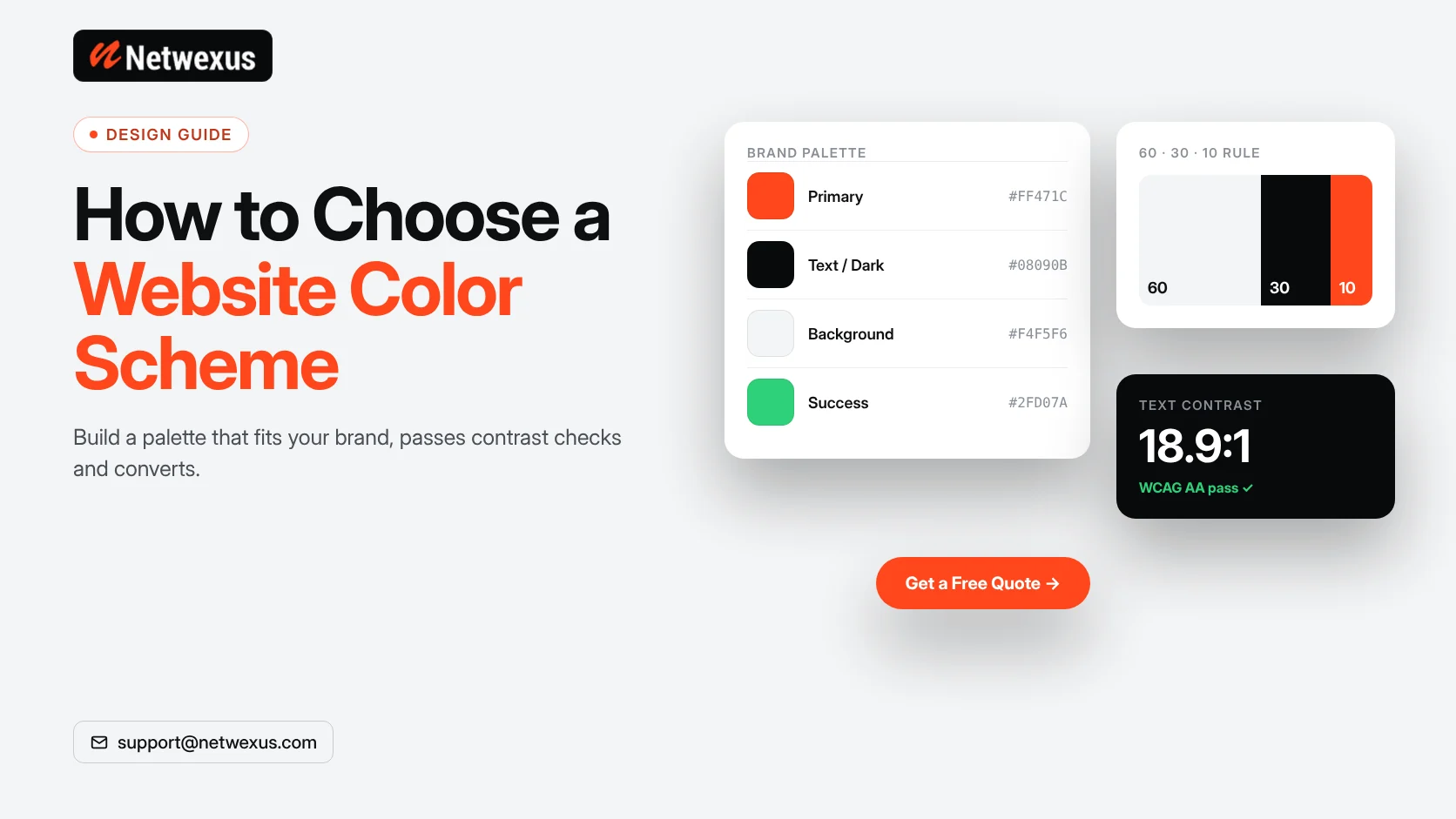
A useful guideline is the 60-30-10 rule: roughly 60% neutral background, 30% secondary tones and 10% accent color for the elements that need attention.
Step 4: Choose a Call-to-Action Color
Your main button color should contrast clearly with everything around it and be used consistently. If your brand is mostly blue, an orange or green button will stand out more than another shade of blue. Avoid using your CTA color for decorative elements, so it keeps its meaning.
Step 5: Check Contrast and Accessibility
The WCAG accessibility guidelines recommend a contrast ratio of at least 4.5:1 for normal body text and 3:1 for large text. Light gray text on white, or white text on light orange, often fails. Use a contrast checker before finalizing colors, and never rely on color alone to communicate meaning, such as red text as the only error signal. Read our guide to ADA website compliance for more.
Step 6: Test in Real Layouts
Colors look different on a full page than in a swatch. Apply your palette to a homepage design, a service page and a form, then view them on phones, laptops and in bright light. Adjust until text is easy to read and buttons stand out.
Common Website Color Mistakes
- Using too many bright colors that compete for attention.
- Low-contrast text that looks stylish but is hard to read.
- Inconsistent button colors across pages.
- Large blocks of saturated color behind long paragraphs.
- Ignoring dark backgrounds on mobile, where glare makes thin light text hard to see.
Frequently Asked Questions
How many colors should a website have?
Most websites work best with one or two brand colors plus neutrals, and a separate accent for calls to action.
What is the best color for a website button?
There is no single best color. The best button color is one that contrasts strongly with its surroundings and is used consistently.
Can I change my website colors without a full redesign?
Often yes. On well-built sites, global colors are set in one place, so a palette refresh can be applied site-wide.
Get a Website That Looks and Converts Great
Our designers build color systems that match your brand and pass accessibility checks. Explore our front-end development services or request a free quote.