
- August 13, 2026
- 0 Comments
A WordPress website is not something you build once and forget. Just like a physical business location needs regular maintenance, your website needs ongoing updates, security checks, backups, performance monitoring, and technical support.
This is where a WordPress website care plan comes in.
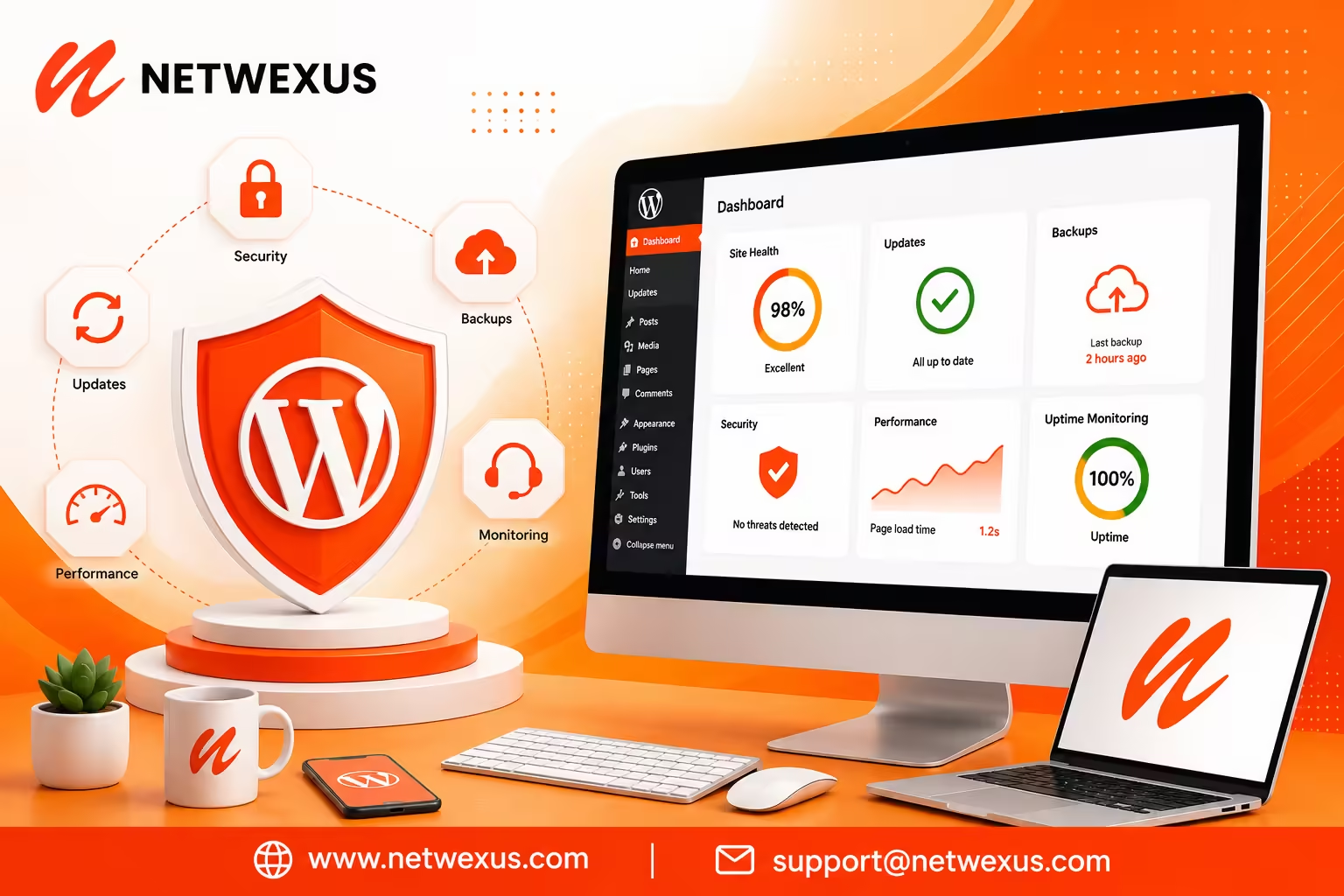
A WordPress care plan is an ongoing maintenance and support service designed to keep your website secure, updated, fast, functional, and reliable. Instead of waiting for something to break, a care plan takes a proactive approach to website management.
For businesses that depend on their website for leads, sales, bookings, customer inquiries, or brand credibility, regular maintenance can make a significant difference.
In this guide, Netwexus explains what a WordPress website care plan includes, why it matters, what services you should expect, and how to choose the right maintenance plan for your business.
What Is a WordPress Website Care Plan?
A WordPress website care plan is a recurring service that handles the technical maintenance and ongoing management of a WordPress website.
Depending on the provider and package, a WordPress care plan may include:
- WordPress core updates
- Plugin updates
- Theme updates
- Website backups
- Security monitoring
- Malware scanning
- Uptime monitoring
- Website performance checks
- Database optimization
- Broken-link checks
- SSL monitoring
- Technical troubleshooting
- Small website updates
- SEO maintenance
- Monthly reports
- Emergency support
The goal is simple: keep your WordPress website healthy while allowing you to focus on your business.
WordPress itself recommends regular maintenance, updates, backups, and housekeeping to keep websites working properly. WordPress also recommends keeping plugins and themes updated to help maintain security.
Why Does a WordPress Website Need Ongoing Maintenance?
Many business owners assume that once their website is launched, the technical work is finished.
Unfortunately, that is not how modern websites work.
WordPress websites consist of multiple components, including the WordPress core, themes, plugins, databases, hosting environments, integrations, scripts, and third-party services. These components can receive updates frequently, and changes in one component can sometimes affect another.
An outdated plugin may create a security risk. A theme update may cause a layout issue. A poorly optimized database may contribute to slower performance. A failed update can potentially break important website functionality.
Regular maintenance helps identify and address these issues before they become major problems.
What Is Included in a WordPress Care Plan?
Not every WordPress maintenance package is the same. A professional plan should provide more than simply clicking the “Update” button.
Here are the most important services to look for.
1. WordPress Core Updates
WordPress regularly releases new versions that can include security improvements, bug fixes, performance enhancements, and new functionality.
Keeping WordPress updated helps your website stay compatible with the modern WordPress ecosystem.
However, professional maintenance should not mean blindly applying every update without checking the website.
A better process is:
- Create a recent backup.
- Review available updates.
- Check compatibility.
- Apply updates.
- Test important website functionality.
- Resolve conflicts if necessary.
- Confirm the website is operating correctly.
This approach reduces the risk of unexpected problems.
2. Plugin and Theme Updates
Plugins and themes provide much of the functionality and design of a WordPress website.
However, outdated plugins and themes can create compatibility and security concerns. WordPress specifically recommends keeping plugins and themes updated and advises having reliable backups available before enabling automatic updates.
A good WordPress care plan should therefore include regular:
- Plugin updates
- Theme updates
- Compatibility checks
- Update testing
- Error monitoring
For websites using WooCommerce, Elementor, membership systems, booking tools, or other complex integrations, update management becomes even more important.
3. Automated Website Backups
Backups are one of the most important parts of a WordPress maintenance plan.
Imagine spending months creating website content, product pages, blog posts, customer information, and custom configurations—and then losing everything because of a server problem, malicious attack, failed update, or human error.
A reliable backup strategy gives you a recovery option.
A professional care plan should ideally include:
- Automated backups
- Scheduled backup frequency
- Database backups
- Website file backups
- Off-site backup storage
- Backup retention
- Restore testing
WordPress documentation recommends regular automatic backups, particularly when managing updates.
The key point is that having a backup is not enough. You should also know whether that backup can actually be restored.
4. WordPress Security Monitoring
Website security should be an ongoing process.
WordPress is a popular platform, and its ecosystem includes thousands of plugins and themes. Vulnerabilities can be discovered and patched over time, which makes timely updates and security monitoring important.
A WordPress care plan can include:
- Security scanning
- Malware detection
- Login monitoring
- Suspicious activity monitoring
- Firewall configuration
- Vulnerability checks
- Security recommendations
- Malware cleanup when included
WordPress maintains an active security process for its core software and ecosystem and encourages responsible reporting of vulnerabilities.
A maintenance plan cannot guarantee that a website will never be attacked, but it can help reduce avoidable risks and improve your ability to respond when something goes wrong.
5. Website Uptime Monitoring
What happens if your website goes offline while you’re sleeping?
You may not know until a customer contacts you—or until you check your website yourself.
Website uptime monitoring automatically checks whether your website is accessible.
If downtime is detected, monitoring can alert the responsible person or team so the problem can be investigated.
This is especially valuable for:
- Business websites
- E-commerce stores
- Lead-generation websites
- Membership websites
- Booking websites
- High-traffic websites
Your website should be available when customers need it.
6. Website Performance Optimization
Website maintenance is not only about security.
Performance matters too.
Slow websites can create poor user experiences and may negatively affect engagement and conversions. A professional care plan can include regular performance checks to identify issues such as:
- Large images
- Excessive plugins
- Database bloat
- Poor caching configuration
- Unoptimized CSS and JavaScript
- Hosting limitations
- Unnecessary scripts
- Broken or inefficient integrations
Performance maintenance may also involve monitoring important web performance metrics and making technical improvements where necessary.
7. Database Maintenance
Over time, WordPress databases can accumulate unnecessary information.
Depending on the website, this can include:
- Post revisions
- Spam comments
- Trashed content
- Temporary data
- Expired transients
- Unused metadata
Database optimization can help keep the WordPress installation organized and efficient.
However, database cleanup should be performed carefully. A professional maintenance provider should create a backup before making potentially destructive database changes.
8. Broken Link and Error Monitoring
A website can develop broken links over time.
Pages may be deleted, URLs can change, products can be discontinued, or external websites may remove content.
A care plan can periodically check for:
- Broken internal links
- Broken external links
- 404 errors
- Redirect problems
- Server errors
- Missing assets
Fixing these problems improves usability and helps maintain a healthier website structure.
9. SSL and Website Security Checks
An SSL certificate helps secure the connection between visitors and your website.
A care plan can monitor SSL status and help identify certificate expiration or configuration problems before they cause avoidable website issues.
This is particularly important for websites that collect:
- Contact information
- Login credentials
- Customer information
- Payment-related information
10. Technical Support
One of the biggest advantages of a WordPress care plan is having someone available when something goes wrong.
For example:
“Our website layout changed after an update.”
“The contact form stopped working.”
“Our website is suddenly very slow.”
“A plugin is causing an error.”
“The homepage isn’t loading correctly.”
Instead of spending hours trying to troubleshoot the problem yourself, you have a technical team that understands the website and its configuration.
WordPress Care Plan vs. One-Time Website Maintenance
There is an important difference between one-time WordPress maintenance and an ongoing care plan.
A one-time maintenance service may fix existing problems, update software, optimize the website, and perform a security check.
A care plan continues that process every month.
| One-Time Maintenance | WordPress Care Plan |
|---|---|
| Single service | Ongoing service |
| Fixes current problems | Prevents and addresses future problems |
| Updates software once | Regular updates |
| Backup at the time of service | Scheduled backups |
| One-time security check | Ongoing monitoring |
| Limited support | Continuous support |
| No long-term monitoring | Uptime and performance monitoring |
If your website is important to your business, ongoing maintenance is generally more practical than waiting until something breaks.
What Happens If You Don’t Maintain Your WordPress Website?
Ignoring website maintenance does not necessarily cause an immediate problem.
That’s what makes it dangerous.
A website can appear perfectly normal while its software becomes outdated behind the scenes.
Over time, you could experience:
Security vulnerabilities
Outdated software can expose websites to known vulnerabilities.
Website errors
Plugin, theme, or WordPress updates may eventually create compatibility issues.
Slow performance
Database clutter, outdated configurations, excessive scripts, and hosting problems can contribute to slower websites.
Lost data
Without reliable backups, recovering from an unexpected problem can become difficult.
Downtime
Technical problems can make your website temporarily unavailable.
SEO problems
Technical errors, broken pages, poor performance, downtime, and other website problems can negatively affect the overall search experience.
Lost leads and sales
If your website is broken, slow, or unavailable, potential customers may leave before contacting your business.
Who Needs a WordPress Website Care Plan?
Almost any business that relies on WordPress can benefit from ongoing maintenance.
A care plan is particularly useful for:
Small Businesses
Small business owners often do not have an in-house WordPress developer.
A care plan allows them to outsource technical maintenance while focusing on customers and operations.
E-Commerce Stores
WooCommerce websites require additional attention because product pages, checkout systems, payment gateways, shipping configurations, customer accounts, and other integrations need to remain functional.
Service Businesses
If your website generates leads through contact forms, booking systems, phone calls, or quote requests, downtime can directly affect your business.
Agencies and Professionals
Law firms, consultants, healthcare providers, financial professionals, real estate businesses, and other professional services often depend on their websites for credibility and lead generation.
Content Websites and Blogs
Websites that publish content regularly can benefit from ongoing performance, security, backup, and technical SEO monitoring.
How Often Should WordPress Maintenance Be Performed?
There is no single maintenance schedule that works for every website.
A small brochure website may have different requirements from a large WooCommerce store.
However, a professional maintenance process can include:
Daily or automated tasks:
- Backups
- Security monitoring
- Uptime monitoring
Weekly tasks:
- Plugin and theme update reviews
- Security checks
- Backup verification
- Website health checks
Monthly tasks:
- Full website health review
- Performance analysis
- Broken-link checks
- Database optimization
- SEO and technical checks
- Monthly maintenance report
Quarterly tasks:
- Deeper performance review
- Plugin cleanup
- Website functionality review
- Security review
- Backup and recovery testing
- Long-term improvement recommendations
The exact frequency should depend on your website’s size, traffic, functionality, and business importance.
How Much Does a WordPress Care Plan Cost?
The cost of a WordPress care plan varies significantly.
A simple informational website may require only basic updates, backups, and security monitoring.
A larger website may require:
- Frequent backups
- Advanced security monitoring
- Performance optimization
- WooCommerce support
- Development hours
- Priority support
- Hosting management
- Emergency assistance
- Technical SEO maintenance
Therefore, choosing a care plan based only on the lowest monthly price can be a mistake.
Instead, compare what is actually included.
Ask questions such as:
- How frequently are backups created?
- Are backups stored off-site?
- Are updates tested?
- Is malware monitoring included?
- Is uptime monitoring included?
- Does the plan include technical support?
- Are small website edits included?
- What happens if an update breaks the website?
- Is emergency support available?
- Are monthly reports provided?
How to Choose the Right WordPress Maintenance Service
When comparing WordPress maintenance companies, look beyond the number of features listed on a pricing page.
A reliable provider should have a clear process for managing updates, backups, security, performance, and troubleshooting.
Look for proactive maintenance
The best providers identify potential problems before they become emergencies.
Check what’s actually included
Some inexpensive plans only provide basic updates. Others include comprehensive website management.
Make sure the services match your requirements.
Ask about backups
Find out where backups are stored, how frequently they run, and whether restoration assistance is included.
Ask about update testing
This is especially important for customized websites, WooCommerce stores, and websites using many plugins.
Consider support response times
If your website goes down, you don’t want to discover that your maintenance provider only responds several days later.
Look for transparent reporting
Monthly reports can show you what was updated, what was monitored, and whether any issues were identified.
Why a WordPress Care Plan Is an Investment, Not Just an Expense
It can be tempting to think of website maintenance as another monthly bill.
But the better way to view it is as risk management and business protection.
Consider the cost of:
- Losing website data
- Recovering from malware
- Fixing a broken website
- Losing leads
- Losing online sales
- Paying emergency development fees
- Dealing with prolonged downtime
- Repairing SEO problems
A proactive maintenance plan can help reduce the likelihood and impact of these problems.
Your website is often one of your most important digital business assets. Protecting that asset deserves ongoing attention.
WordPress Care Plan and SEO: How Are They Connected?
A care plan is not a replacement for an SEO campaign, but technical website maintenance can support your SEO efforts.
Search engines need to access and understand your website effectively.
Maintenance can help identify technical problems such as:
- Broken links
- Incorrect redirects
- Website downtime
- Slow pages
- Indexing-related technical issues
- Broken structured data
- Plugin conflicts
- Missing or malfunctioning website elements
For businesses investing in WordPress SEO services, maintaining the technical health of the website provides a stronger foundation for ongoing optimization.
Why Choose Netwexus for WordPress Website Care?
At Netwexus, we understand that launching a WordPress website is only the beginning.
A successful website needs continuous attention to remain secure, functional, fast, and ready to support your business goals.
Our approach to WordPress website care can be tailored around your website’s needs, including:
- WordPress maintenance
- Core, theme, and plugin updates
- Website backups
- Security monitoring
- Performance optimization
- Technical troubleshooting
- Website health checks
- SEO-focused technical maintenance
- Website development support
Whether you operate a small business website, service-based website, e-commerce store, or a growing content platform, ongoing maintenance can help protect your investment.
Final Thoughts
A WordPress website care plan is much more than routine software updates.
It is an ongoing strategy for keeping your website secure, backed up, functional, fast, and ready to serve your customers.
Without maintenance, small technical problems can eventually become expensive emergencies. With a proactive care plan, many issues can be identified and addressed before they have a major impact on your business.
If your website generates leads, sales, bookings, or customer trust, maintaining it should be part of your long-term digital strategy.
Netwexus can help you keep your WordPress website maintained, secure, optimized, and ready for growth.